Drop in your clips
Videos, photos or a whole folder. Then write one line about what you want.
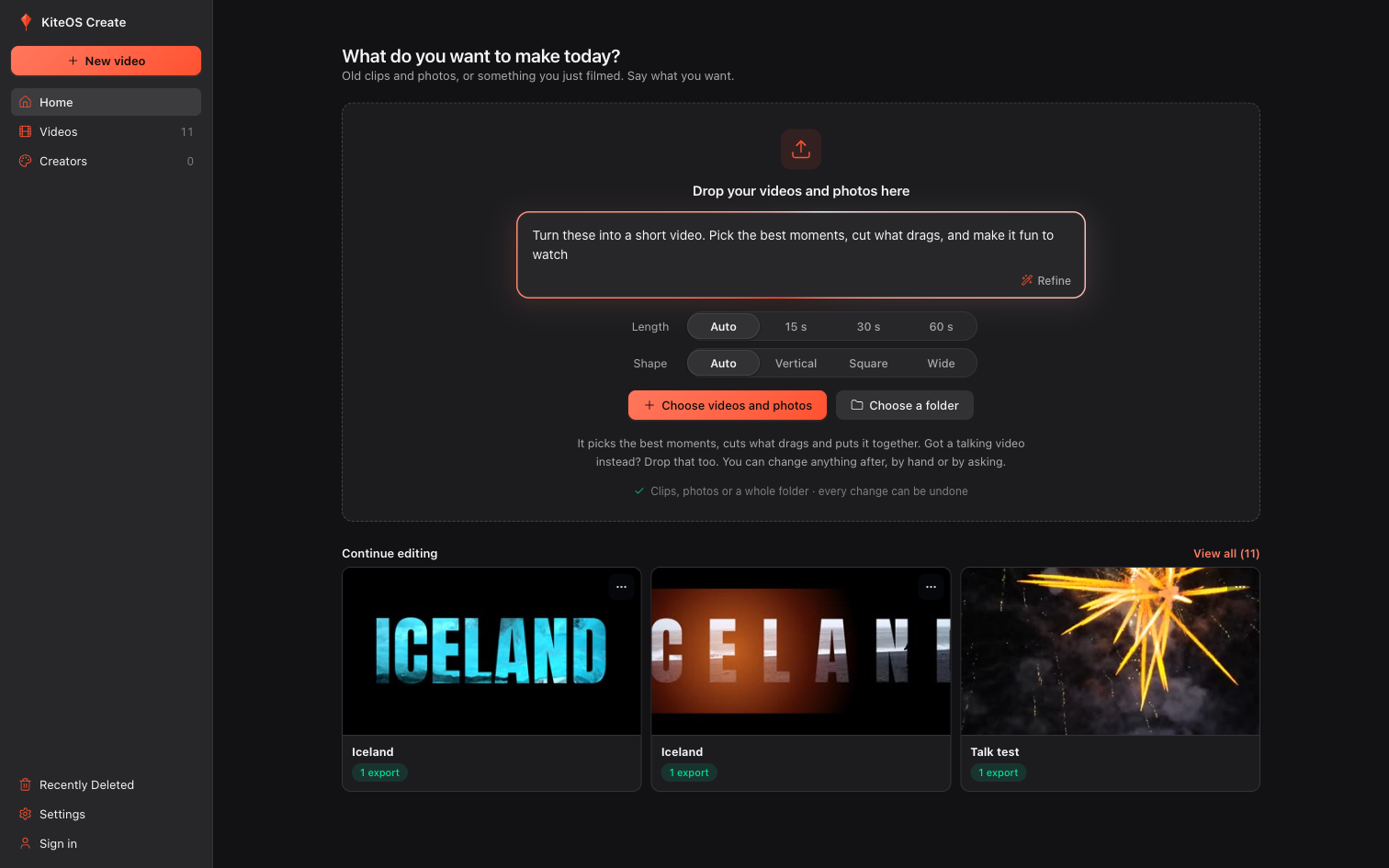
A video editor for Mac and Windows. Drop in your clips, write one line, and the AI you already pay for edits it to the beat of the music.
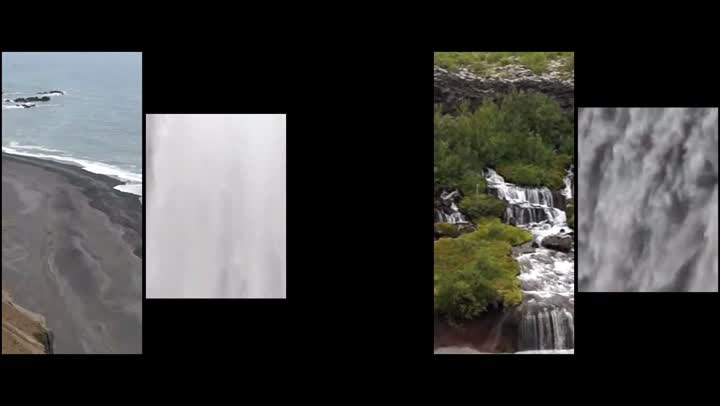 00:00:00
The film couldn't load. Check your connection and refresh the page.
Videos, photos or a whole folder. Then write one line about what you want.
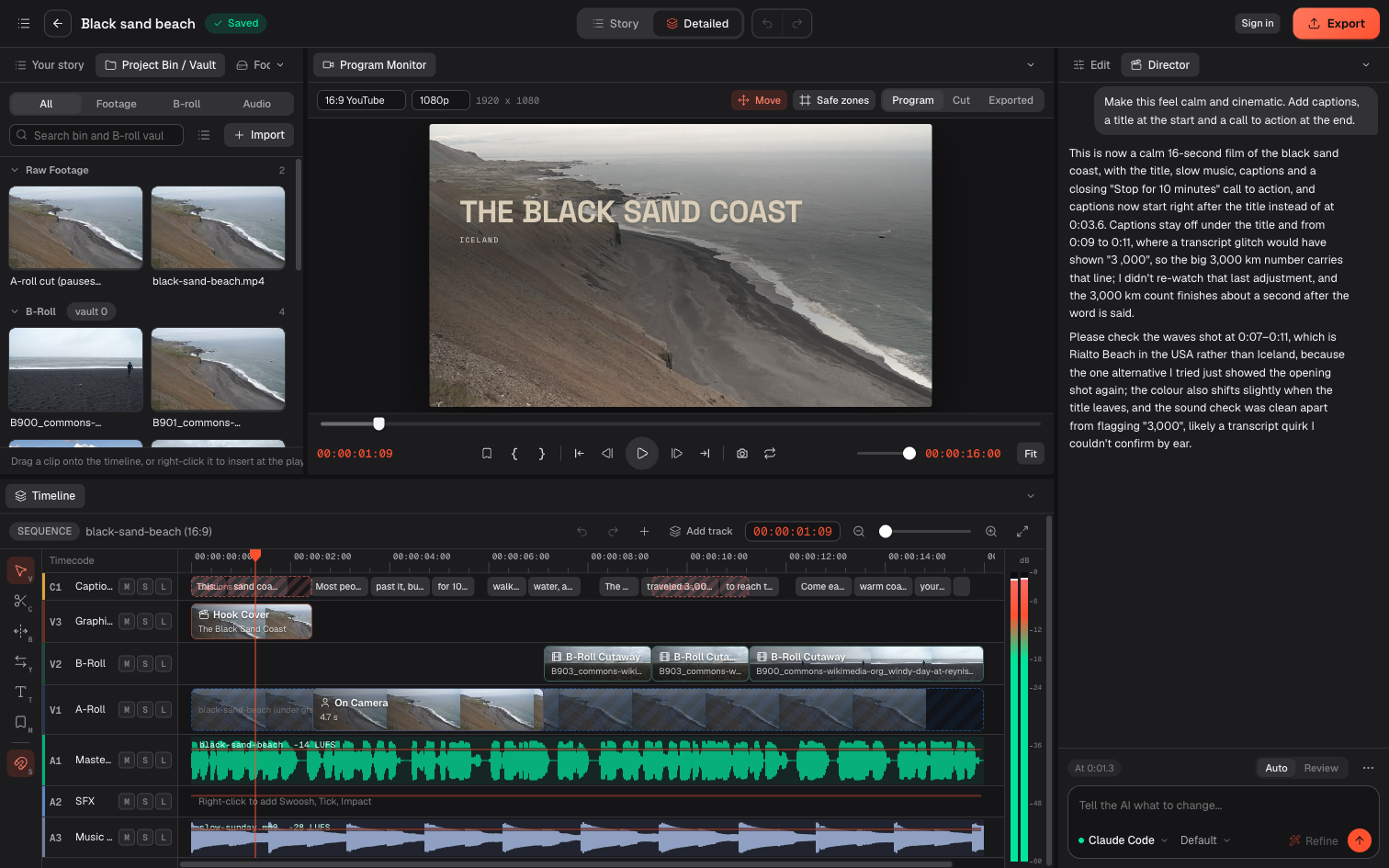
The AI finds music, cuts to it and reviews its own work. Every change is on a full timeline you can trim by hand.
Pick where it's going and the size, quality and loudness are set for you.
KiteOS Create doesn't include an AI of its own. Connect an AI app you're signed in to, an API key, or a model on your own computer. We charge nothing for the AI.
Signed in to your Claude plan. The Claude desktop app counts too.
The Codex command-line tool, signed in to your ChatGPT plan.
Antigravity's agy command-line tool, signed in once.
Anthropic, OpenAI or Google. You pay the provider for what you use.
Ollama or LM Studio on your own computer. Free, and nothing leaves it.
Coming soon. One subscription for editing, video and voice, with nothing else to connect.
You sign in with a free KiteOS account either way.
Every edit has to meet the same standards, for every kind of video and however short your prompt was. If it falls short, a second AI pass fixes it before you see it. If anything is still short, it tells you.
The music's beat is measured, and a montage is cut to it.
A hit lands on a cut, never on a shot that's sitting still.
Every video opens with a hook, a title or a strong shot.
No long stretch without a cut, B-roll or a graphic.
It reads the words and the sound before it cuts speech.
Automatically, every time, and captions are on when someone speaks.
Text never stacks up, and big words stay few.
No dead air after the last word, and no sudden stop.
Story view keeps things simple. Detailed view is a full editor with tracks, keyframes, a loudness meter and undo. Every AI change can be taken back, and you can hand any edit to Premiere Pro, DaVinci Resolve or After Effects.
Each video started from the prompt beside it, and some of them from no footage at all. Some need extra services, listed with each video.
Make a 25-second film of my road trip through Iceland. Open on a map of the route and add a calm voice-over.
Needs: your connected AI, plus a TomTom key for the map and an ElevenLabs account for the voice. Or Kite AI, coming soon, with nothing else to connect.
Make a 15-second animated ad for a coffee shop called Slow Morning. Open at 7, oat milk at no extra cost, first refill free. No footage, just bold moving type, on the beat.
Needs: only your connected AI, no clips at all. Or Kite AI, coming soon. Slow Morning is a made-up shop.
Make a 24-second animated explainer on why the sky is blue. No footage, only motion graphics, with a chart showing blue light scatters far more than red.
Needs: your connected AI, plus an ElevenLabs account for the voice. Or Kite AI, coming soon, with nothing else to connect.
Make a vlog intro from these clips.
Needs: only your connected AI. The music and effects are in the app. Or Kite AI, coming soon.
Free, with no card and no trial. Version 1.0.7 is an early test build, so expect rough edges. The app isn't signed yet, so your computer warns you the first time you open it. Every version and what changed in it is on GitHub.
| Mac with Apple Silicon | M1 or newer. macOS 15 or newer recommended |
|---|---|
| Windows 10 or 11 | 64-bit. The newest build, so the least tested so far |
| Intel Mac, Linux, phone, web | Not available yet |
| Your footage | Stays on your computer. When you use an AI edit, your words, transcript and video frames go to the AI you connected |
You're testing an early build, so tell us what broke or what felt wrong. We read every report.